How to Enroll as a Brand AffiliateUpdated 7 months ago
1. Navigate to https://sharesyona.co/?url=Syona
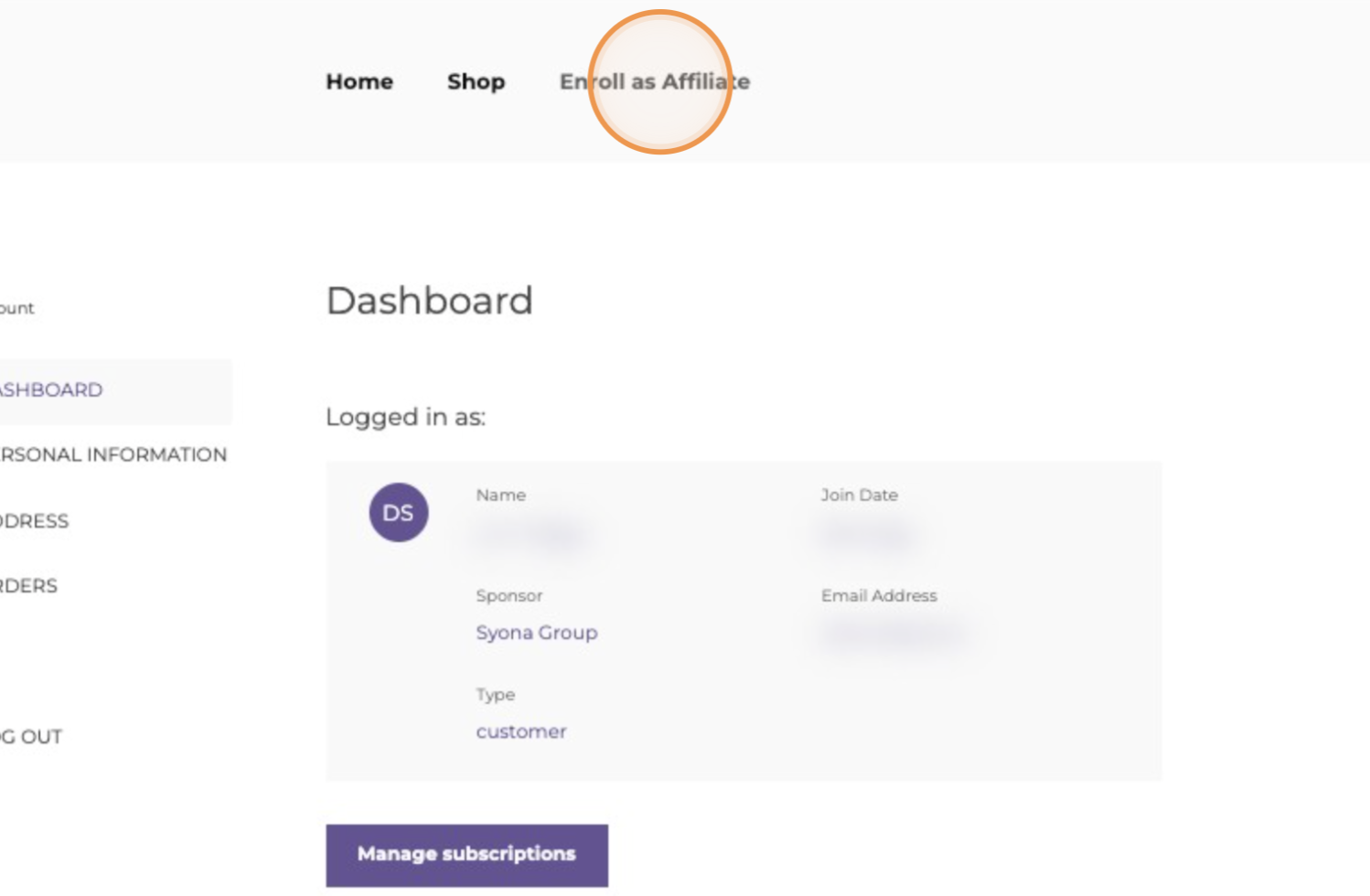
2. Click "Enroll as Affiliate"
3. Fill out the information and click "CREATE ACCOUNT & CONTINUE" 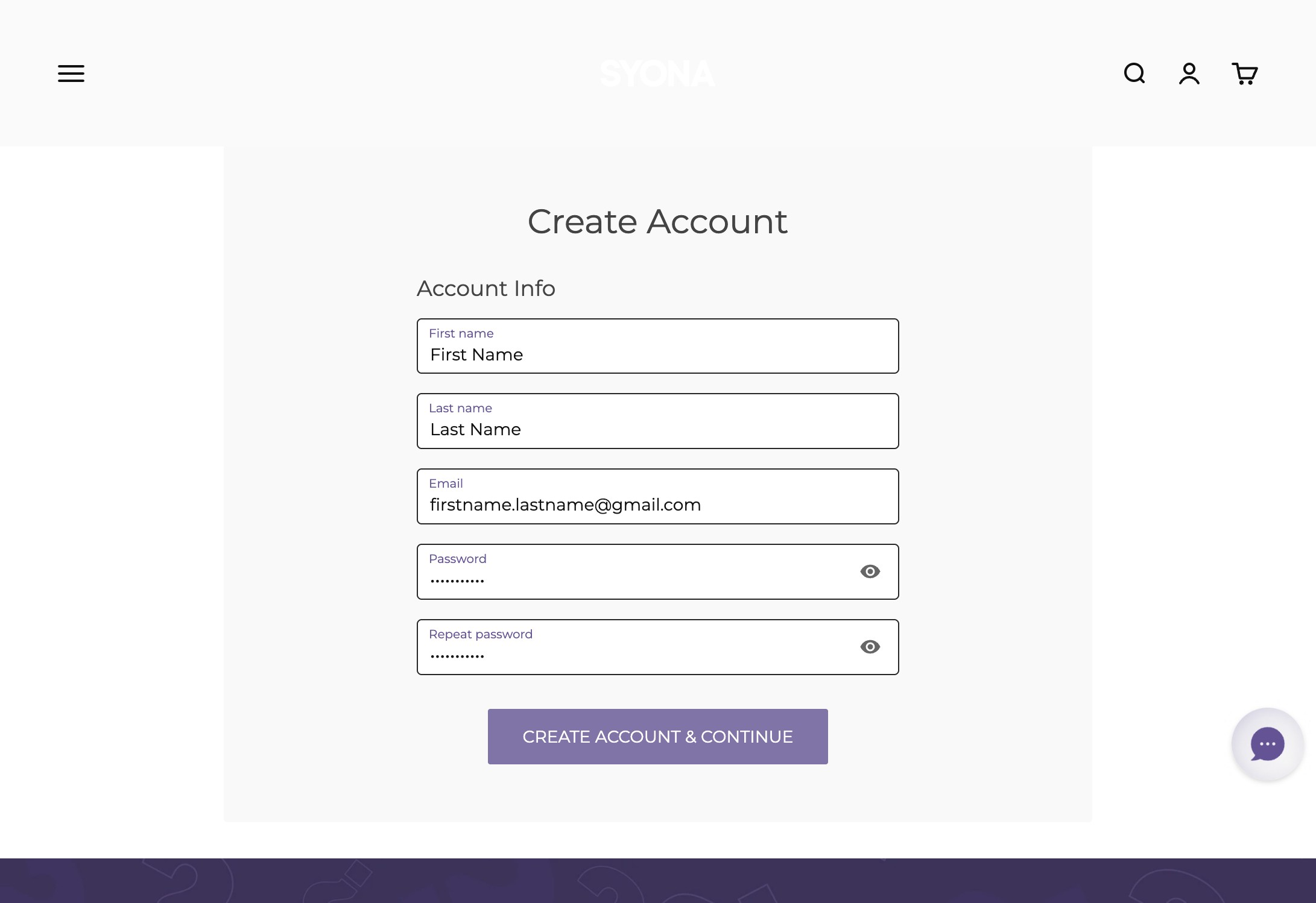
4. Verify that your sponsor’s information is correct if you have a sponsor.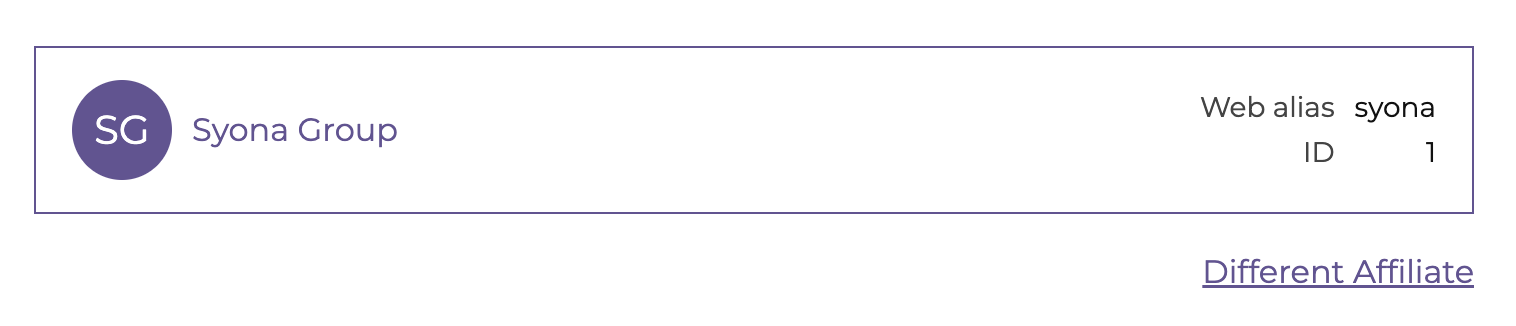 5. Fill out the form with your information
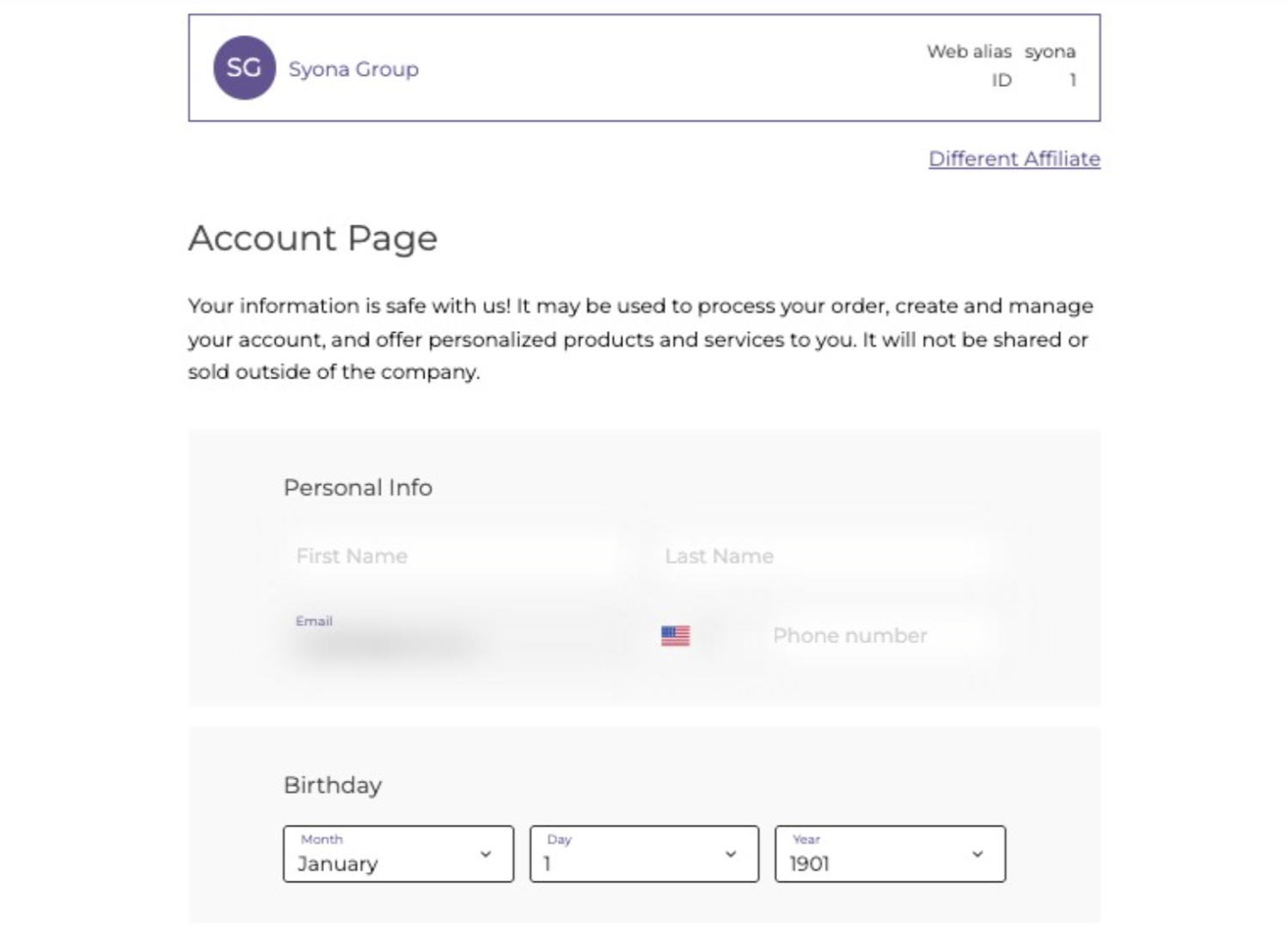
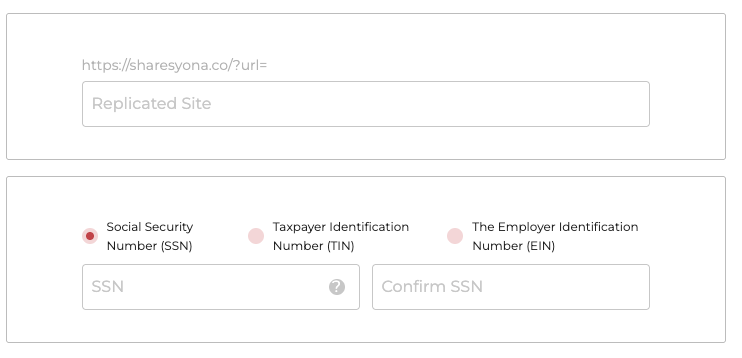
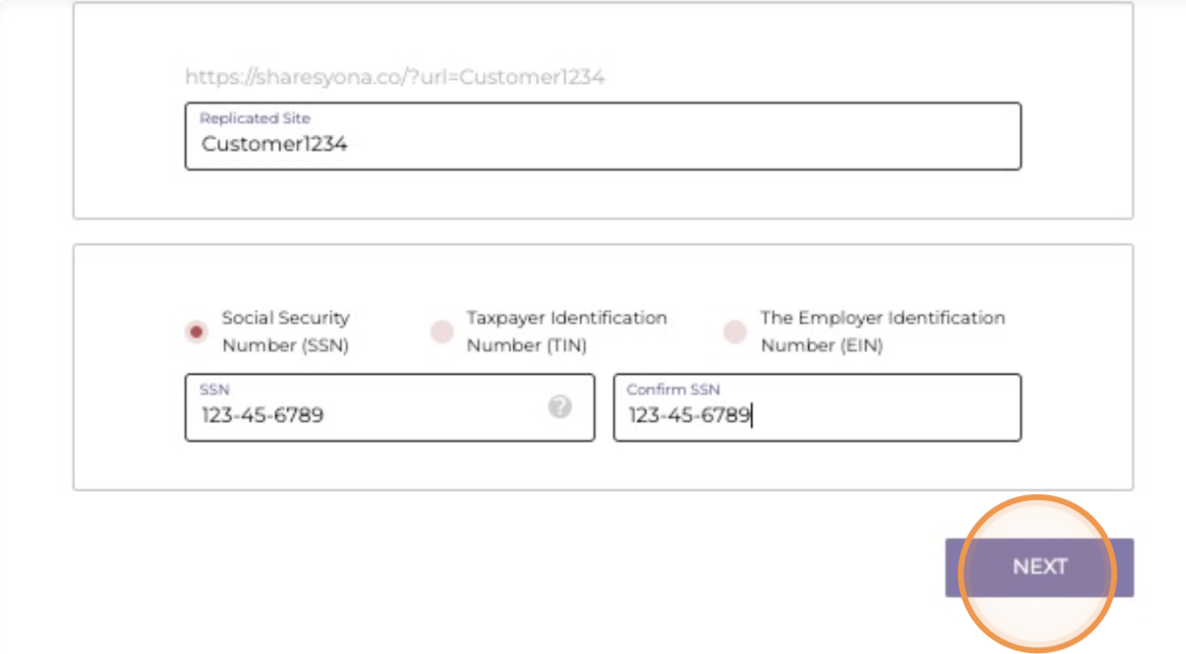
6. Click "Next"
7. Select the enrollment package of your choice
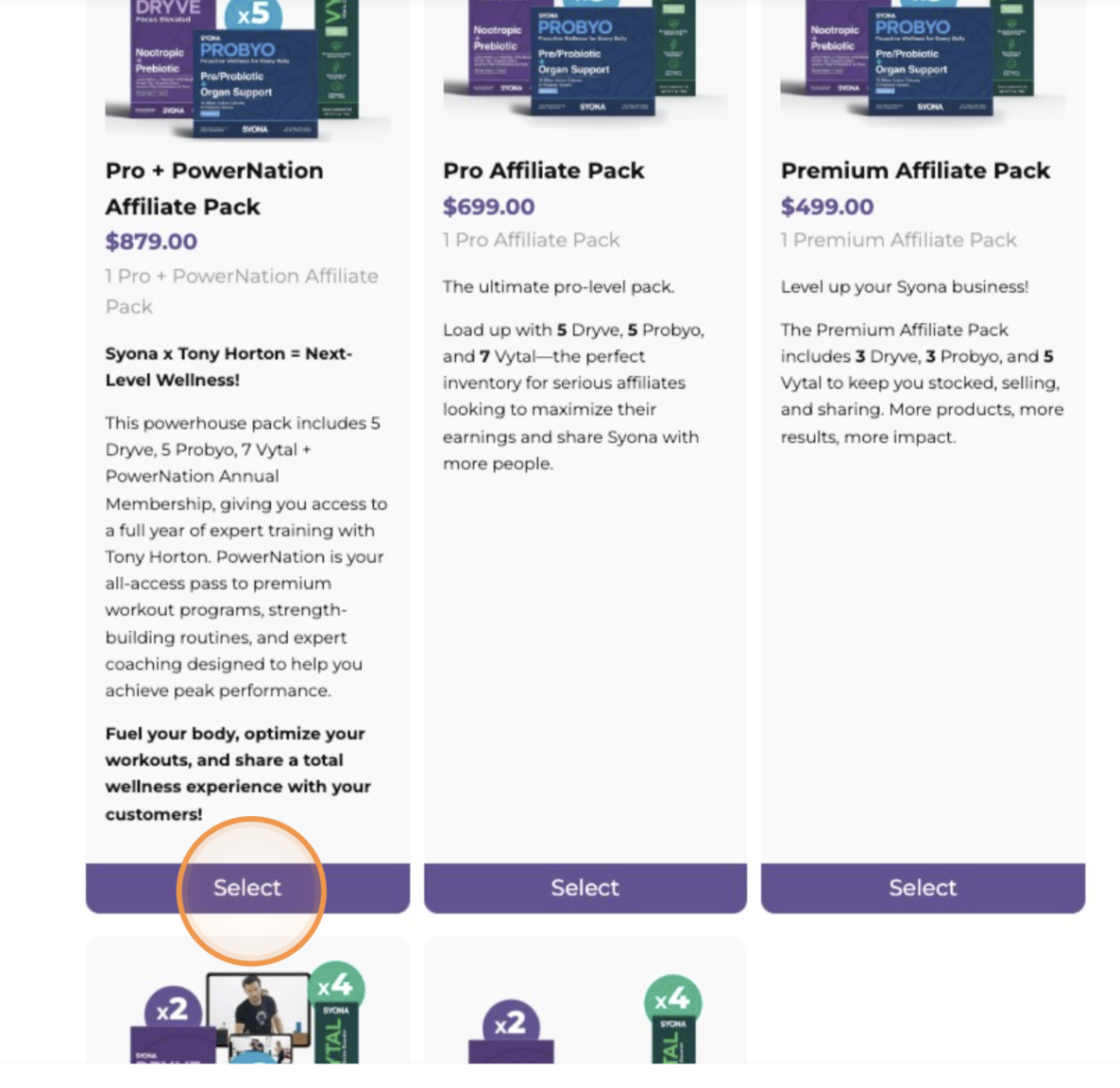
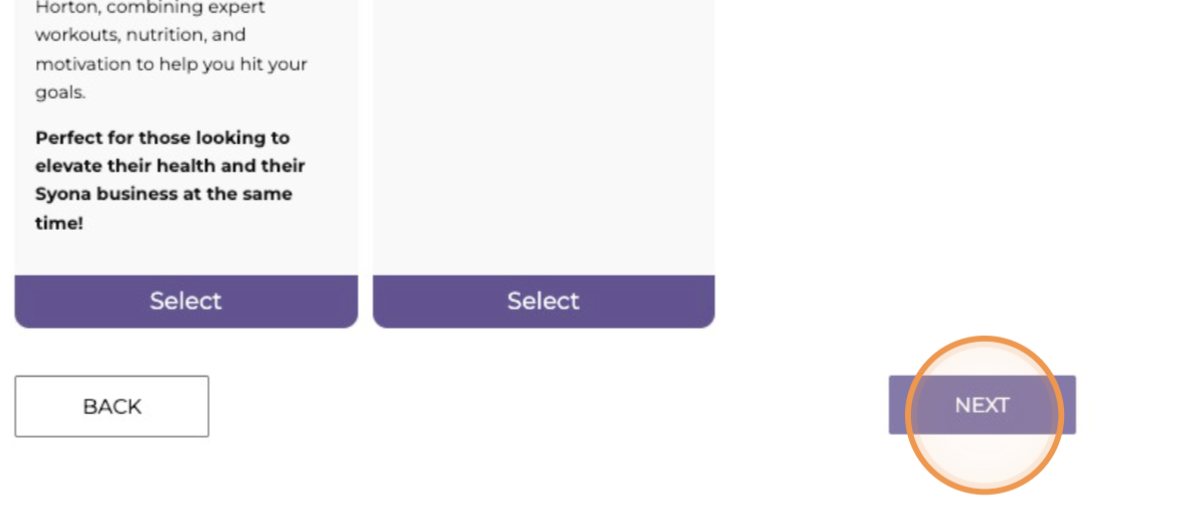
8. Click "Next"
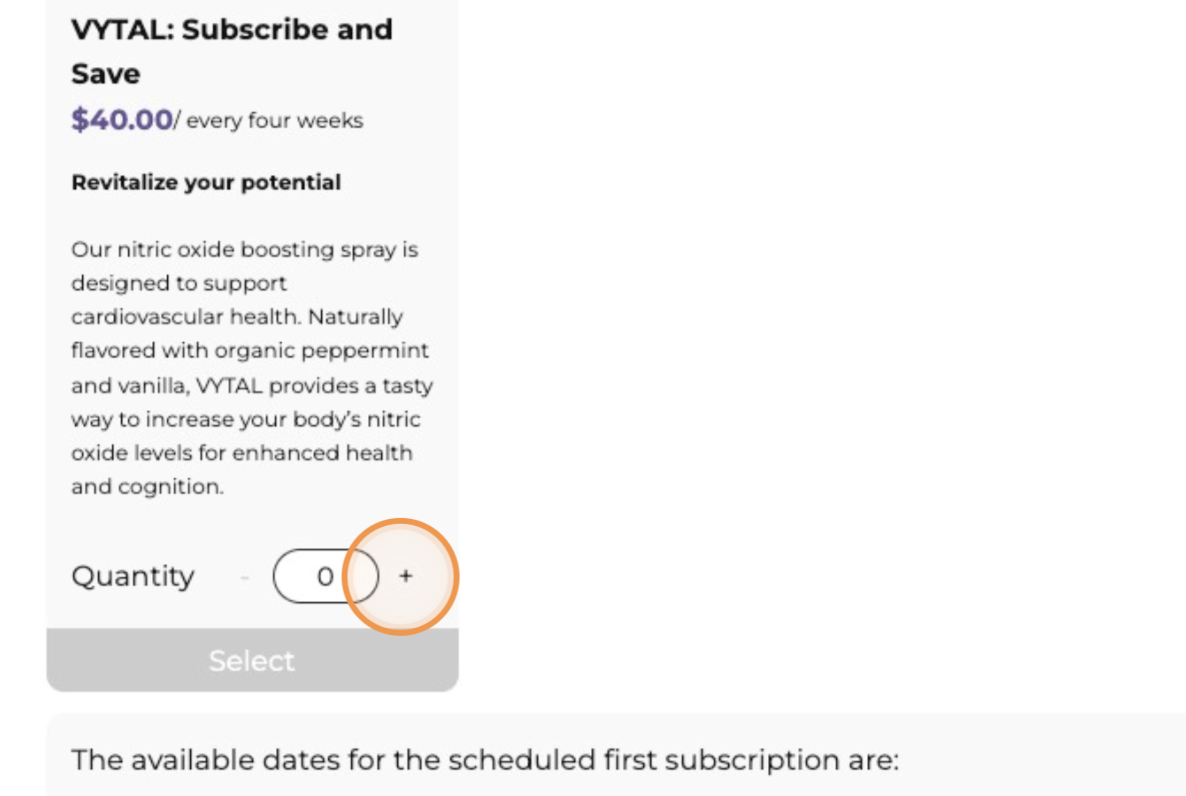
9. Choose your Subscribe and Save order and click "+" and click "Select" (optional)
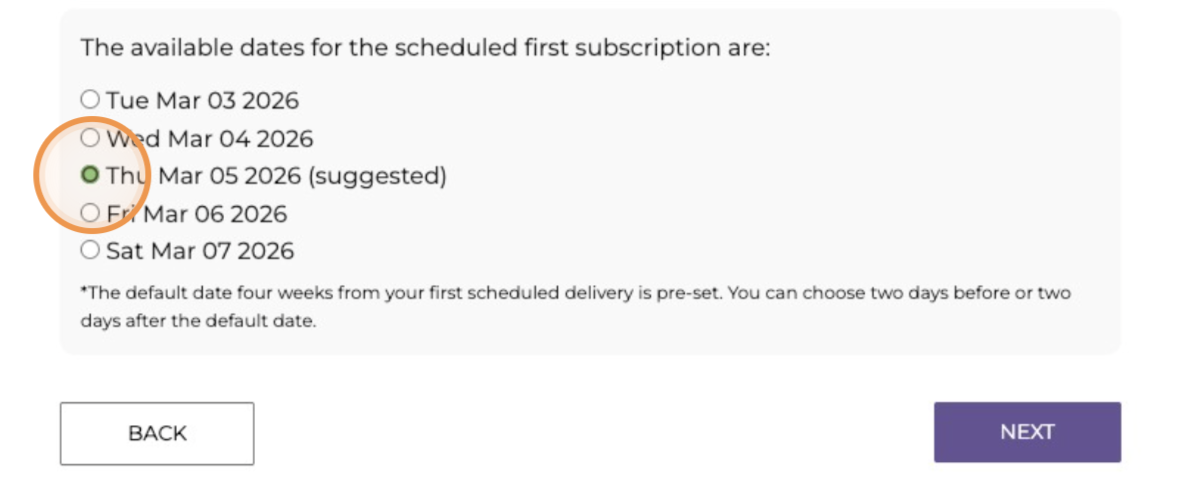
10. Select your preferred start date for your subscription and click "Next"
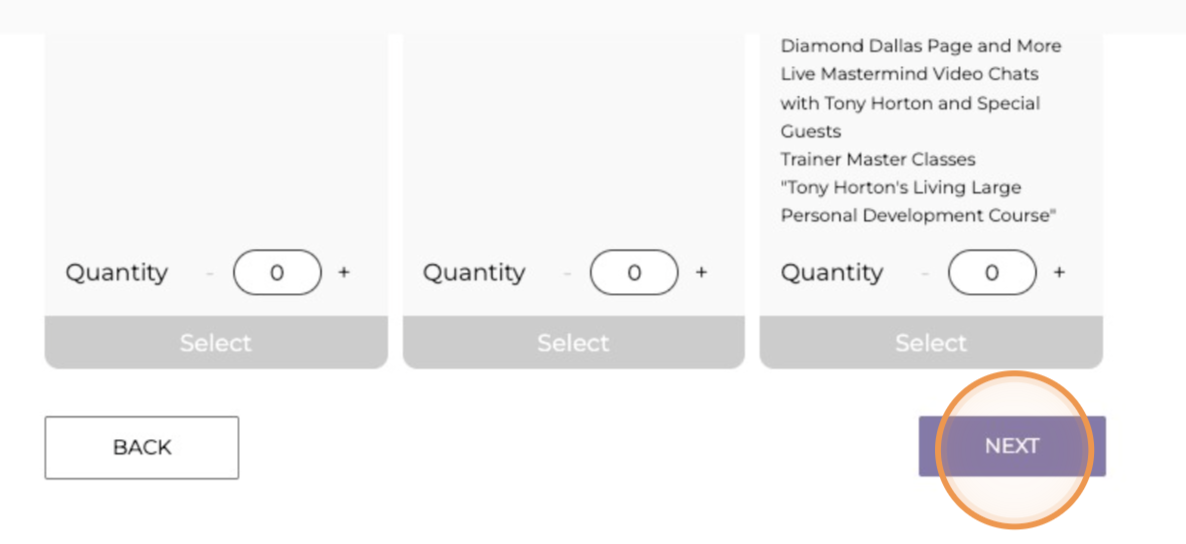
11. Select a discounted one-time purchase package (optional) and click “Next”
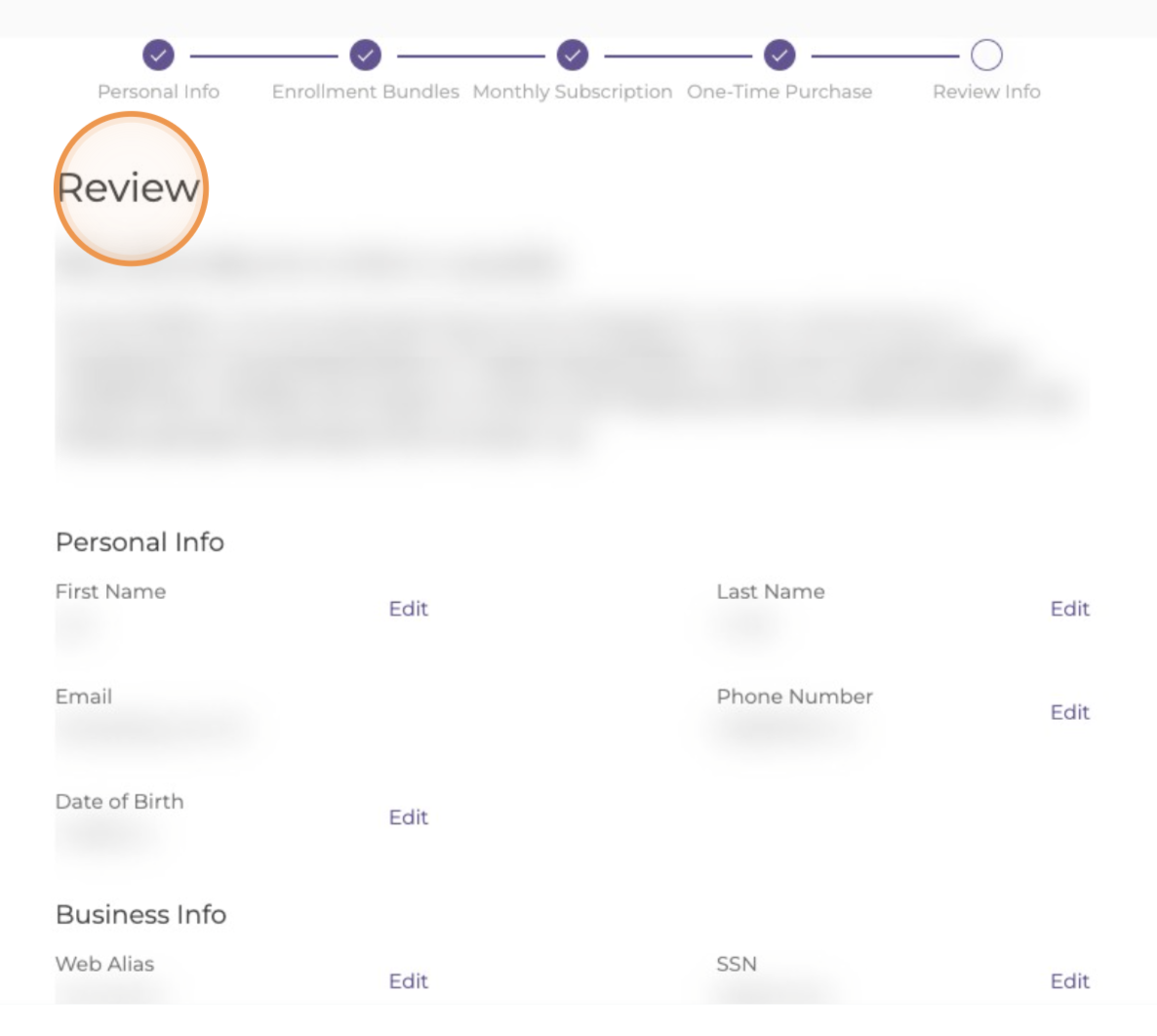
12. Review your information
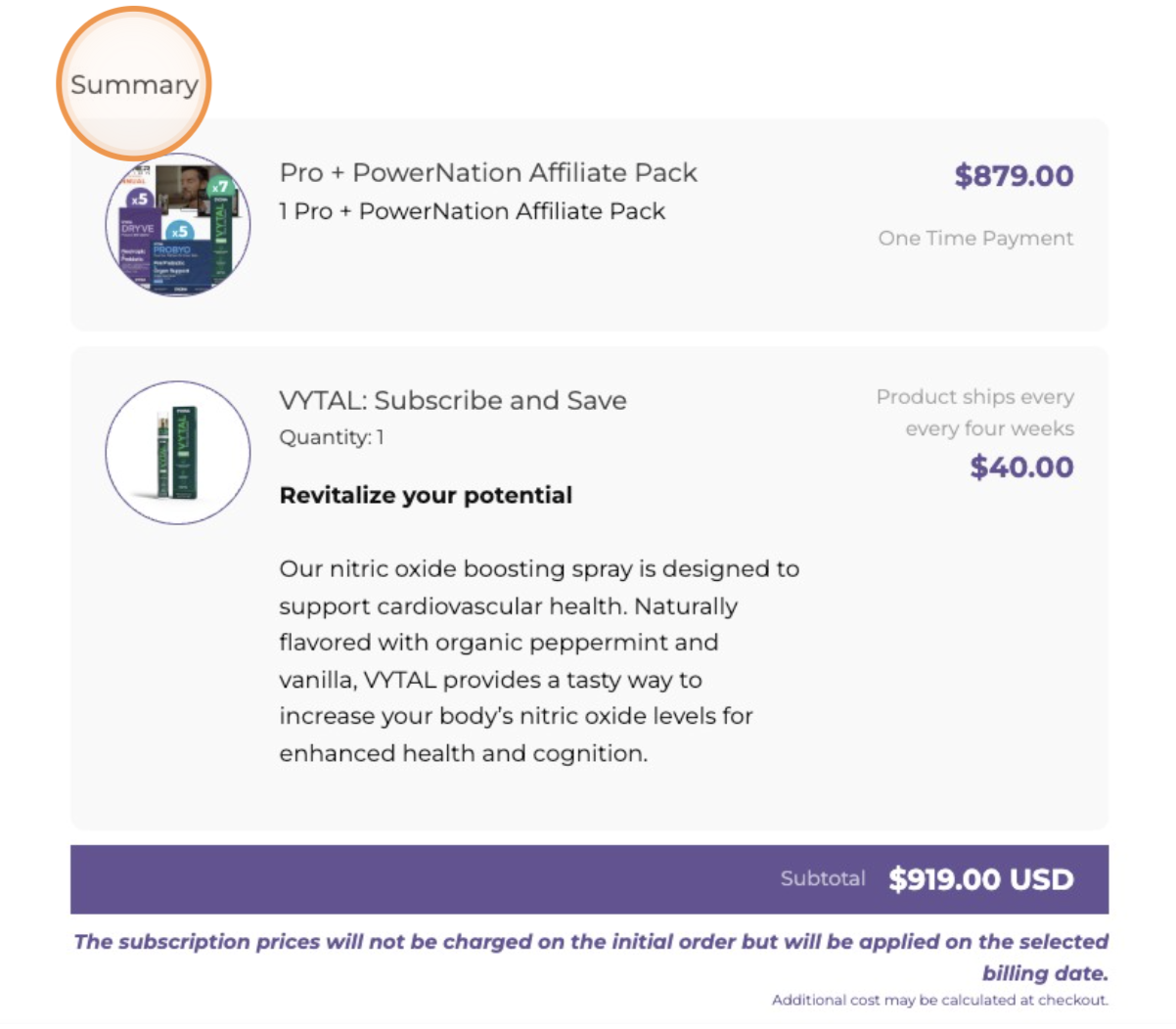
13. Review your order summary (e.g.)
14. Review and accept the Brand Affiliate Agreements and click "Submit"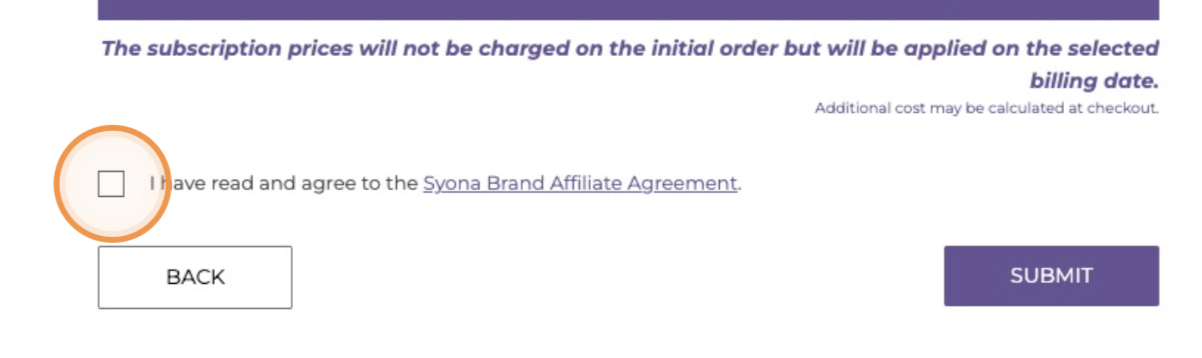
15. Serás dirigido a la página de pago
⚠️ IMPORTANT RECOMMENDATION ⚠️
Before completing your purchase:
Verify that the email address is exactly the same as the one you use for your account.
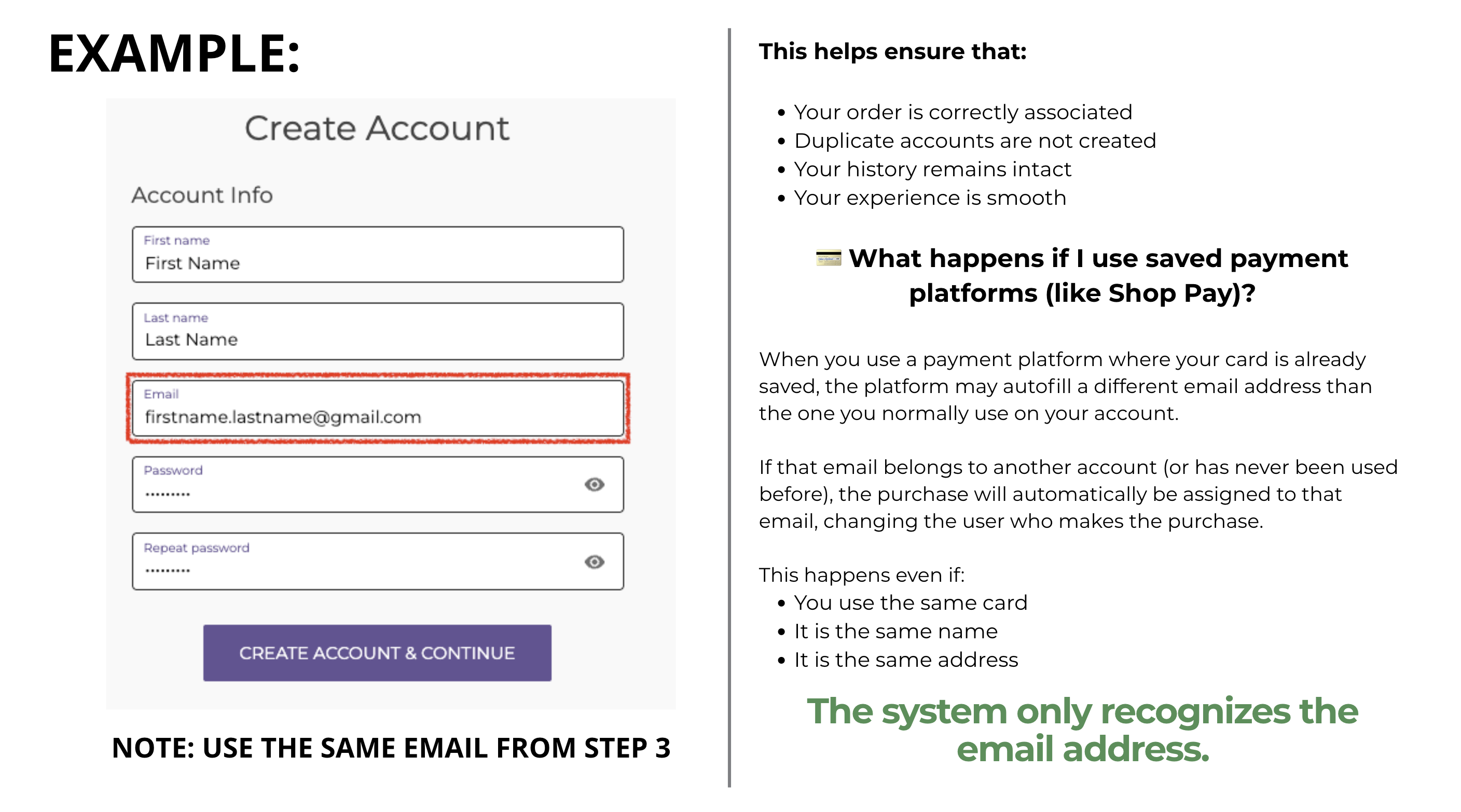
If you need more information, you can go to the following article: Why is it important to use the same email address during checkout?
Then, fill in your shipping information and click “Continue to shipping.”
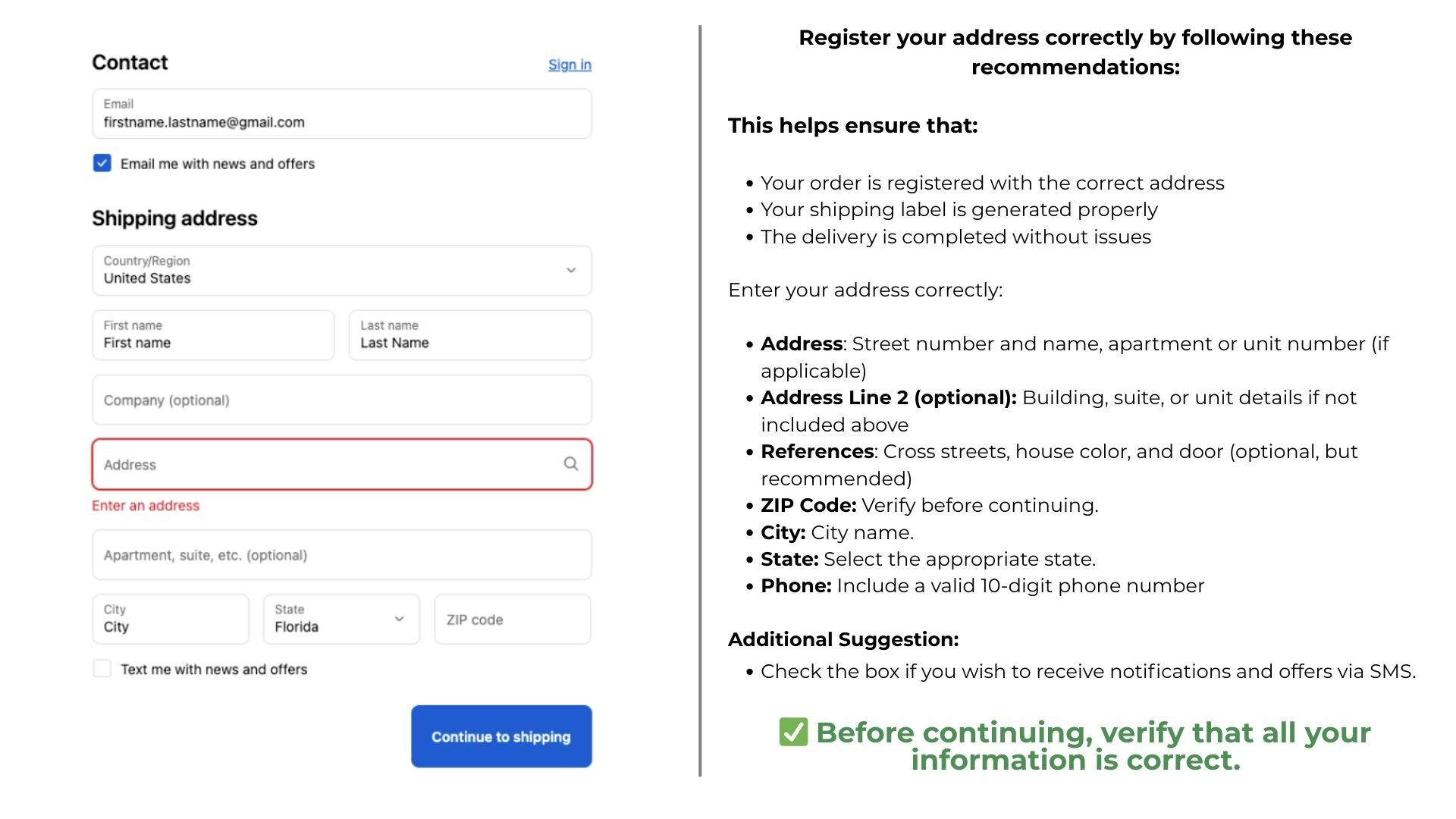 16. Select the shipping method and click “Continue to payment.”
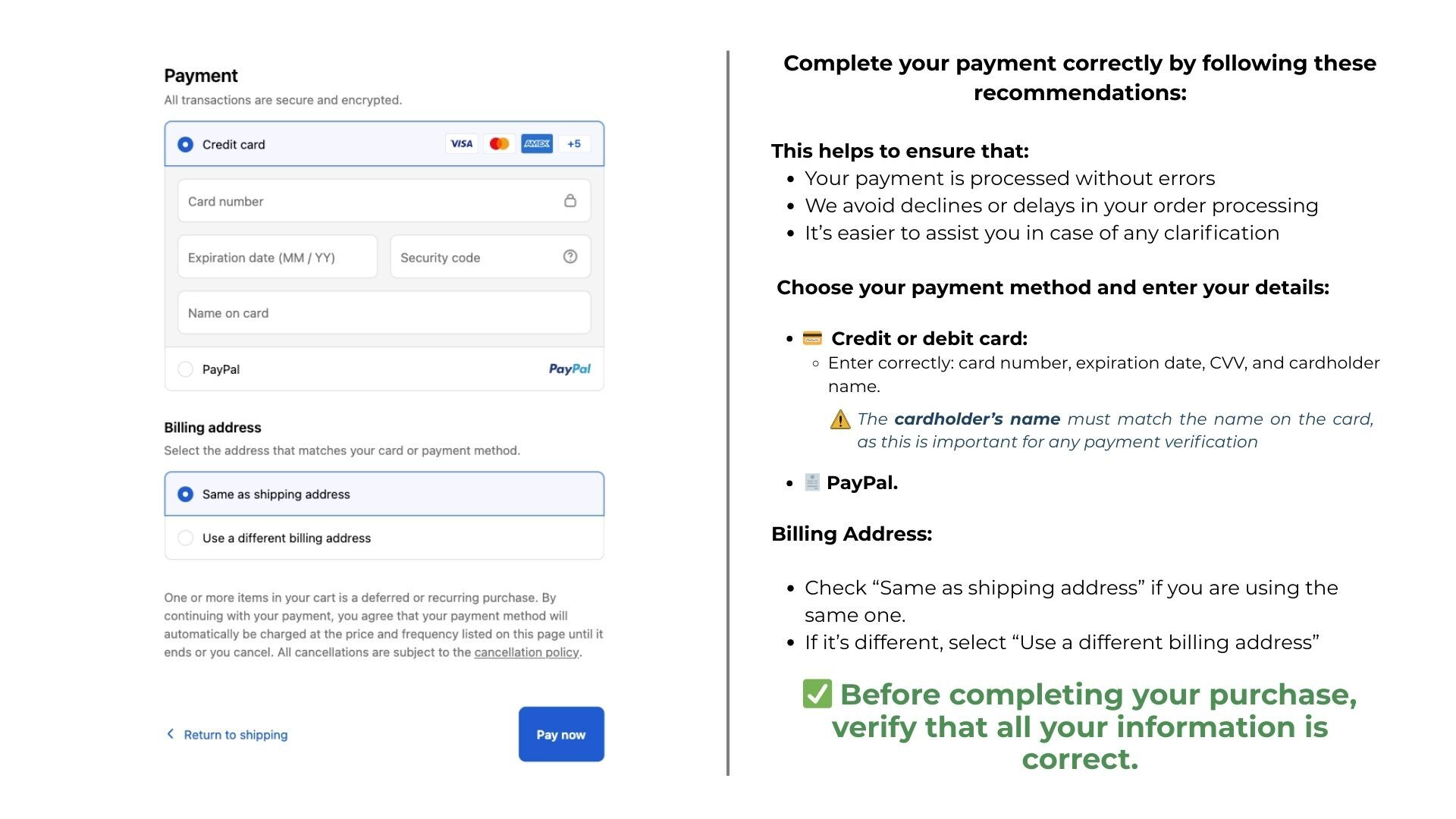
17. Enter your payment information and complete your purchase.
⚠️ IMPORTANT RECOMMENDATION ⚠️
If the billing information is the same as the shipping address, select the box “Same as shipping address.”
Otherwise, select “Use a different billing address.”